







Treadmill Data Sync Guide: Pairing Solutions for Popular Fitness Watches + Data Interoperability Issues
Treadmill Data Sync Guide: Pairing Solutions for Popular Fitness Watches + Resolving Data Interconnectivity Issues | Enhancing Your Training Experience
Introduction: The Data Island on Your Treadmill
Imagine you've just completed an intense treadmill workout, your workout gear is soaked with sweat, your breathing is heavy, and your heart is racing. You're eager to check your performance, only to find that the data on the treadmill doesn't match what's on your fitness watch, or worse, some data hasn't synced at all. It's like you've worked hard to plant a garden, only to find it overrun with weeds, making all your efforts seem in vain.
User Pain Points: The issue of syncing data between treadmills and fitness watches has long been a thorn in the side of many runners. When treadmill data doesn't sync with your watch, your training data becomes incomplete, making effective analysis and adjustments impossible. Even more frustrating, many users don't know how to resolve these issues.
Need: We require a systematic solution that allows seamless connectivity between treadmills and fitness watches, ensuring data flows freely to enhance our training experience.
Article Value: This guide will provide you with comprehensive solutions for pairing popular fitness watches, troubleshooting common data sync problems, and sharing tips to elevate your treadmill training experience.
What to Expect: By reading this article, you'll learn how to make your treadmill and fitness watch work together as true training partners, helping you train more scientifically and efficiently.

Core Content
Section 1: Pairing Solutions for Popular Fitness Watches
Choosing the Right Fitness Watch
Before diving into data syncing, let's explore how to choose a fitness watch that suits your needs. The market is flooded with brands and models, each with unique features.
Example: I once helped a friend choose a fitness watch. He loved trail running, so I recommended a Garmin Forerunner series watch with GPS capabilities. This watch not only tracks routes accurately but also provides heart rate, cadence, and other vital data.
Personal Experience: I use an Apple Watch myself because it seamlessly connects with my iPhone and offers rich training programs and data analysis through Apple Fitness+.
Key Points for Selection:
- GPS Functionality: Essential if you enjoy outdoor running.
- Heart Rate Monitoring: Real-time heart rate tracking helps adjust training intensity.
- Data Syncing: Ensure the watch supports syncing with your treadmill.
Consider: What are your typical running scenarios? What features do you need to enhance your training experience?
Pairing Steps
Pairing your fitness watch with a treadmill isn't complicated, but attention to detail is key.
Steps:
- Turn on Bluetooth: Make sure both your watch and treadmill have Bluetooth enabled.
- Enter Pairing Mode: On your watch, navigate to "Devices" or "Connect" and select "Add New Device."
- Search for Devices: Your watch will scan for nearby Bluetooth devices. Select your treadmill when it appears.
- Enter PIN Code: Some treadmills require a PIN code for connection confirmation.
- Confirm Connection: Once connected, your watch will indicate a successful pairing.
Notes:
- Ensure both devices are running the latest software versions.
- Some treadmills might require specific apps for data syncing.
Case Study: I once couldn't connect my watch at the gym because the treadmill's software was outdated. After updating, the connection was smooth.
Section 2: Common Data Sync Issues and Solutions
Data Inconsistency
Problem: The data on the treadmill doesn't match or sync with your watch.
Solutions:
- Check Connection: Ensure a stable connection between your watch and treadmill.
- Sync Settings: Verify that data syncing is enabled on your watch.
- Software Updates: Keep both devices updated for compatibility.
Example: I once noticed inconsistent heart rate data due to sweat covering the watch's sensor, affecting data transmission.
Personal Experience: Often, data inconsistency arises from incorrect sync settings. Always check your watch's settings to ensure all necessary data syncing options are active.
Consider: Have you experienced data inconsistency? How did you resolve it?
Data Loss
Problem: After a run, you find that some or all of your data is missing.
Solutions:
- Auto Sync: Set your watch to automatically sync data to avoid manual errors.
- Cloud Storage: Use cloud services to back up your data, preventing local data loss.
- Regular Checks: Regularly check data syncing to ensure everything is working as expected.
Case Study: I once forgot to manually sync after a run, losing all treadmill data. Setting up auto-sync solved this issue.
Personal Experience: I recommend making it a habit to sync data immediately after each run to mitigate the risk of data loss.
Section 3: Tips to Enhance Your Training Experience
AR Running Experience
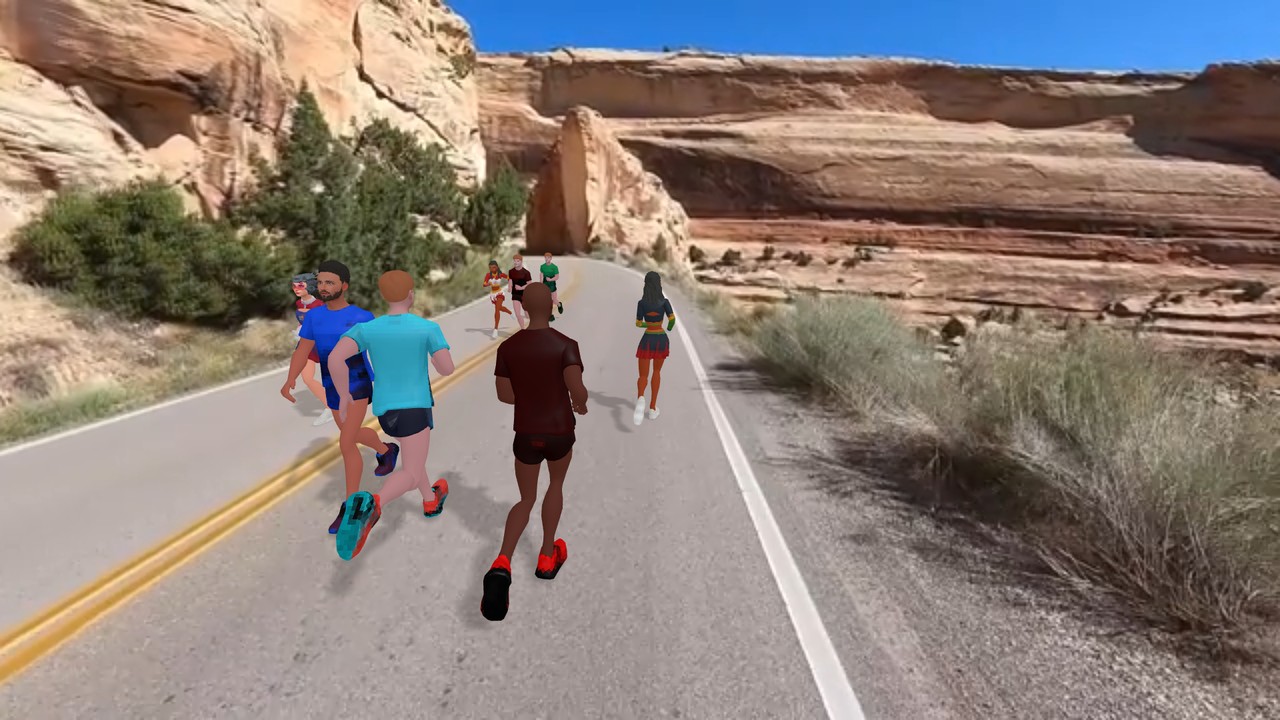
Experience Sharing: Augmented Reality (AR) is making its way into treadmill training. Imagine running on a treadmill while a virtual path unfolds before you, with scenery changing as you run. This not only makes running fun but also lets you experience outdoor landscapes indoors.
Example: I tried AR running at a gym, and it felt like jogging through a park with the scenery constantly changing, significantly reducing the monotony of treadmill running.
Personal Experience: AR running not only adds fun but also helps control your pace and rhythm as you adjust to the virtual environment.
Consider: Have you tried AR running? What was your experience like?
The Joy of Virtual Running
Experience Sharing: Virtual running allows you to run with enthusiasts worldwide or participate in virtual marathons. You can explore different running routes without leaving your home.
Example: I joined a virtual marathon where my treadmill data synced to an online platform, and I ran alongside participants from around the globe, feeling a great sense of achievement.
Personal Experience: Virtual running not only lets you experience various environments but also adds a social element to your training, boosting motivation.
Benefits of Online Social Running
Experience Sharing: Online social running platforms enable you to train with friends or community members, share data, and encourage each other.
Example: I'm part of an online running group where we share our data post-run, offering mutual encouragement, like having a virtual running buddy.
Personal Experience: Online social running not only provides motivation but also offers support and advice during your training.
Practical Guide
Detailed Steps for Pairing and Syncing
Pairing and Syncing:
- Turn on Bluetooth: Ensure both devices have Bluetooth enabled.
- Enter Pairing Mode: Navigate to "Devices" or "Connect" on your watch, then "Add New Device."
- Search for Devices: Your watch will scan for nearby Bluetooth devices. Select your treadmill.
- Enter PIN Code: If required, enter the PIN code to confirm the connection.
- Confirm Connection: Once connected, your watch will show a successful pairing.
- Sync Data: Select to sync data on your watch, ensuring all data is transferred.
Common Issues and Solutions:
- Data Inconsistency: Check connection stability, ensure sync functions are enabled, update software.
- Data Loss: Set up auto-sync, use cloud storage, regularly check data syncing.
Notes:
- Keep both devices updated with the latest software.
- Some treadmills might need specific apps for syncing.
- Regularly check battery levels to avoid data loss due to power issues.
Personalized Suggestions:
- Choose watch features based on your training goals.
- If you enjoy outdoor running, opt for a watch with GPS.
- For social running, select a watch that supports online social features.
Advanced Content
Advanced Tips
Data Analysis: Learning to analyze your running data can help you adjust your training scientifically. By examining cadence, stride length, heart rate, etc., you can identify weaknesses and train accordingly.
Example: I once analyzed my data and found my cadence was too low. I focused on increasing it, which significantly improved my running efficiency.
Professional User Suggestions:
- Regular Check-ups: Ensure your body is fit for intense training.
- Professional Coaching: If possible, get guidance from a professional running coach.
- Diverse Training: Don't rely solely on treadmill running; try interval training, long-distance runs, etc.
Future Trends:
- AI-Assisted Training: AI will play a larger role in providing personalized training advice.
- Virtual Reality: VR will offer more immersive training environments.
- Smart Wearables: Future watches will provide more precise health data and training suggestions.
Conclusion
Core Points Recap: This guide has provided you with a comprehensive approach from selecting a fitness watch to solving data syncing issues, enhancing your treadmill training experience.
Actionable Advice:
- Choose a fitness watch that meets your training needs.
- Regularly update software on both your watch and treadmill for smooth data syncing.
- Explore AR running, virtual running, and online social running to add fun and motivation to your training.
Encouragement: Running is more than just exercise; it's a lifestyle. Through scientific training and data analysis, you can continuously improve and enjoy the health and joy running brings. Keep pushing, runners!